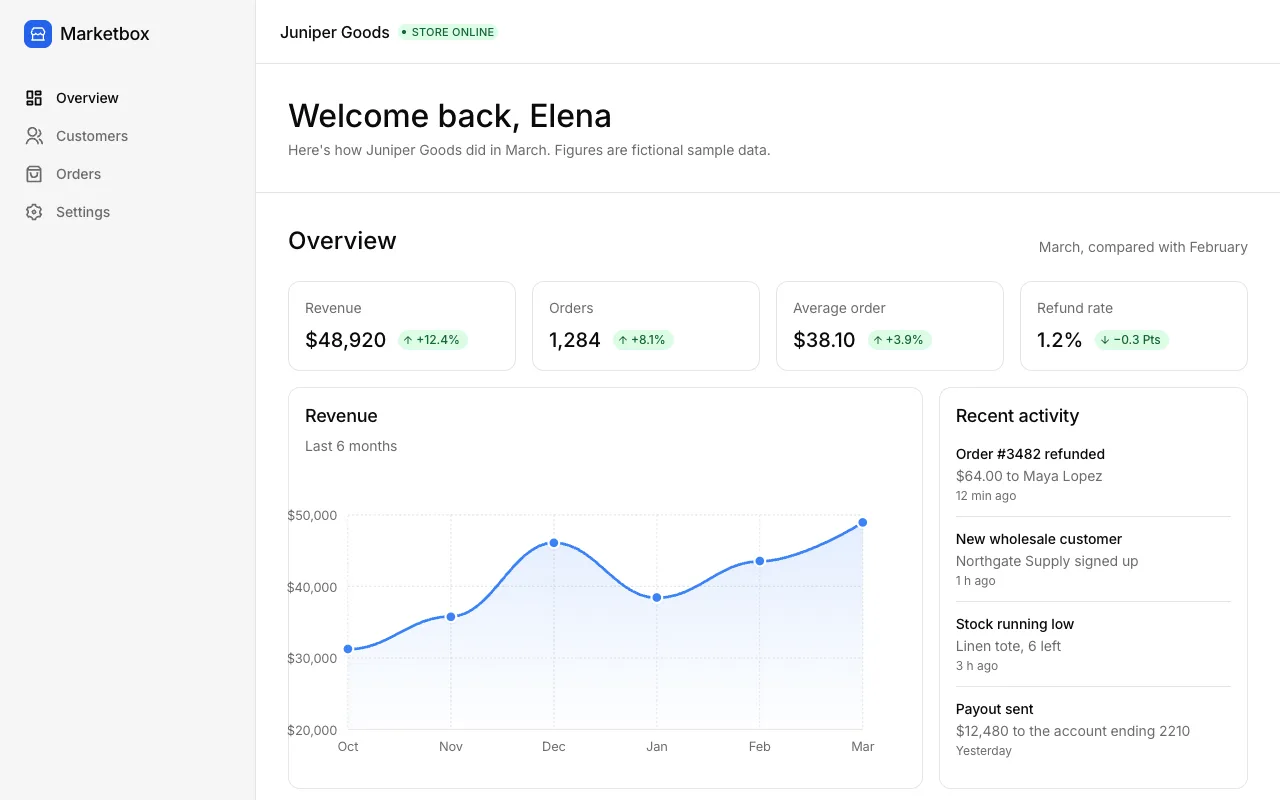
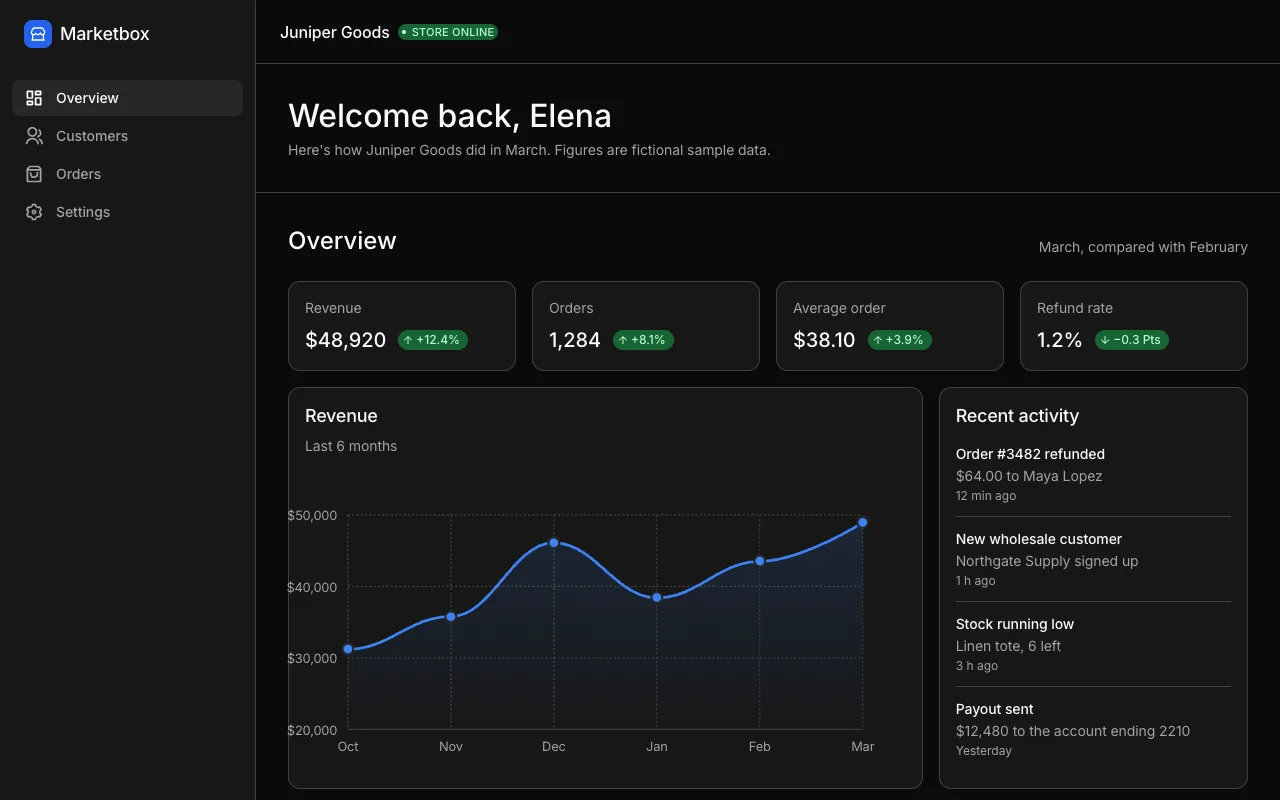

SaaS Dashboard
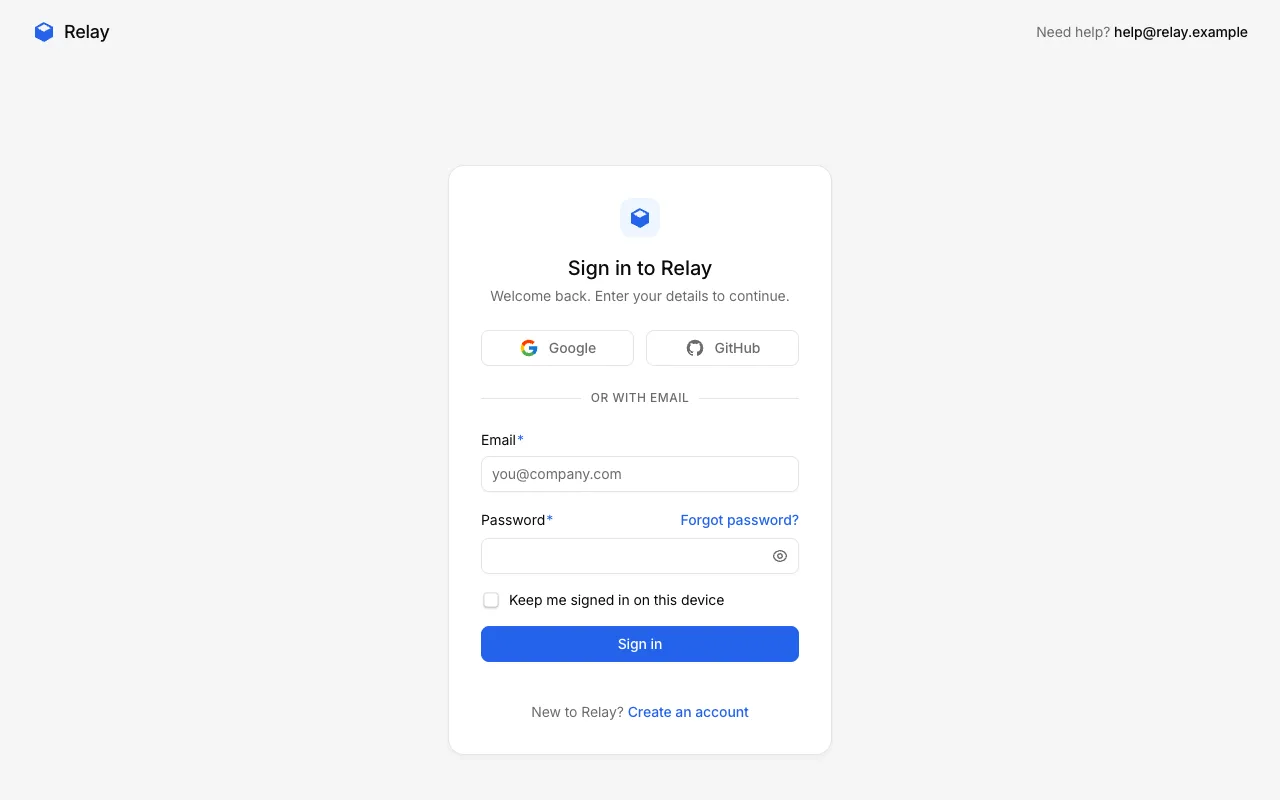
The back office of an online shop: an overview with charts, customer and order tables, and account settings.
- Overview
- Customers
- Orders
- Settings
Source code not available to download yet.
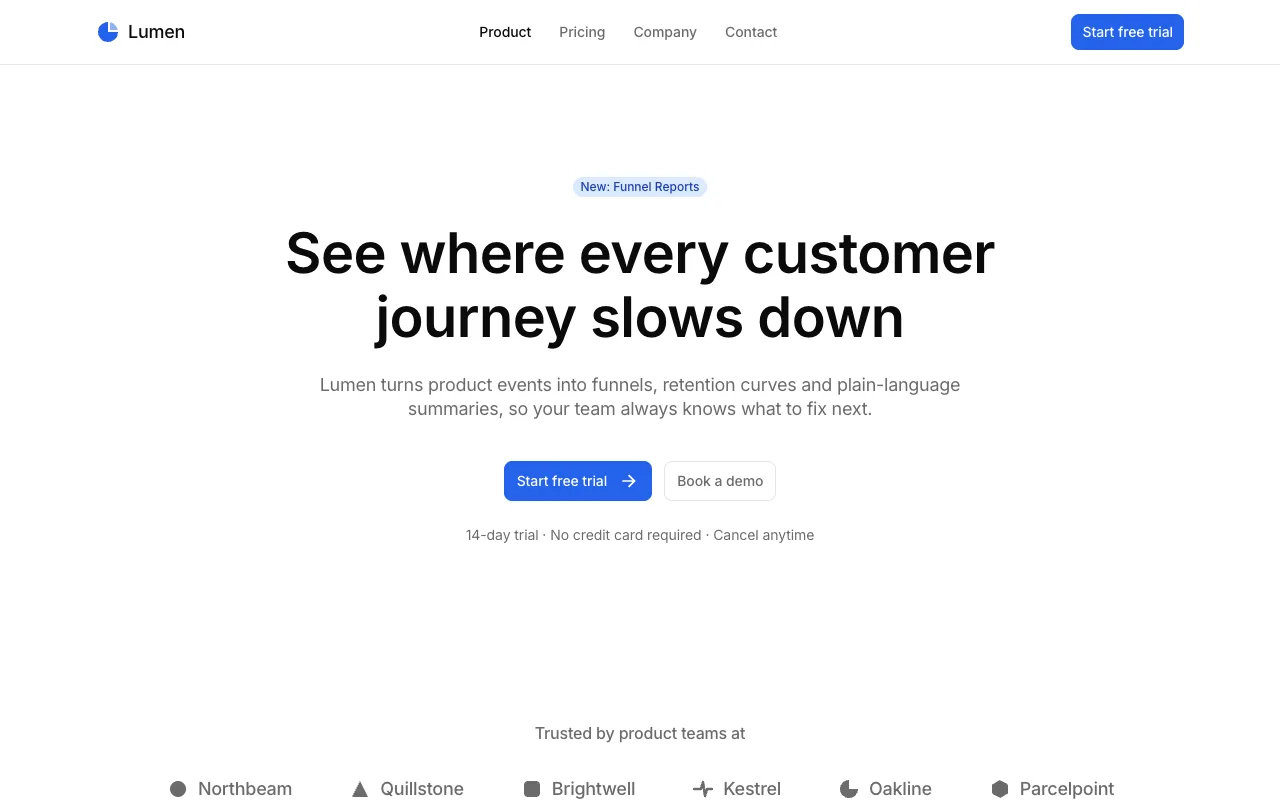
Build modern websites with accessible React components, ready-to-use UI blocks, and complete templates. Customize what you need and ship faster with CK-UI.
npx ck-ui-cli@latest initSet up CK-UI with its own CLI, then add components to your project as source code you control. Get started
Members
Manage who can access this workspace.
01 · Components
Typed React components with consistent variants, designed with accessible interaction patterns and keyboard support.
The essentials every interface needs, with variants and sizes that stay consistent across your product.
02 · Blocks
82 finished sections in 23 families, built from the same components. Preview any block before you decide.
03 · Templates
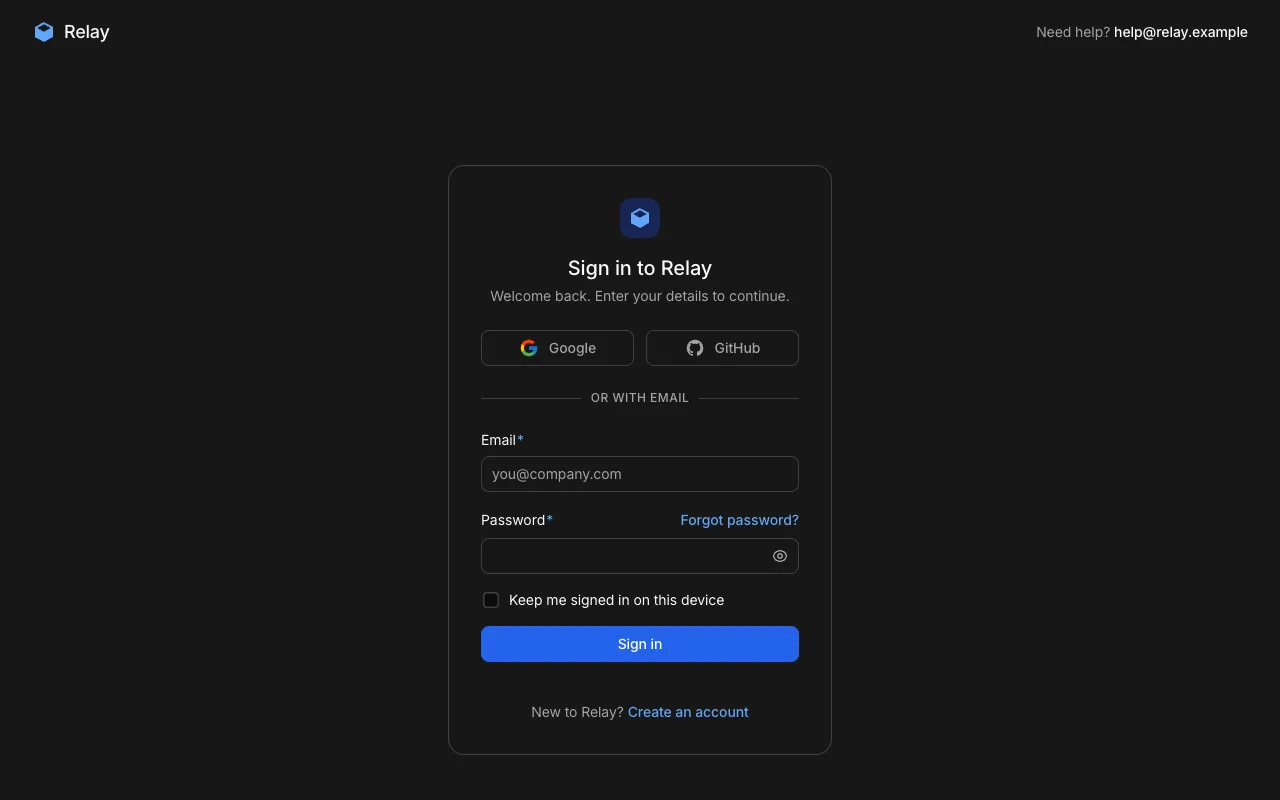
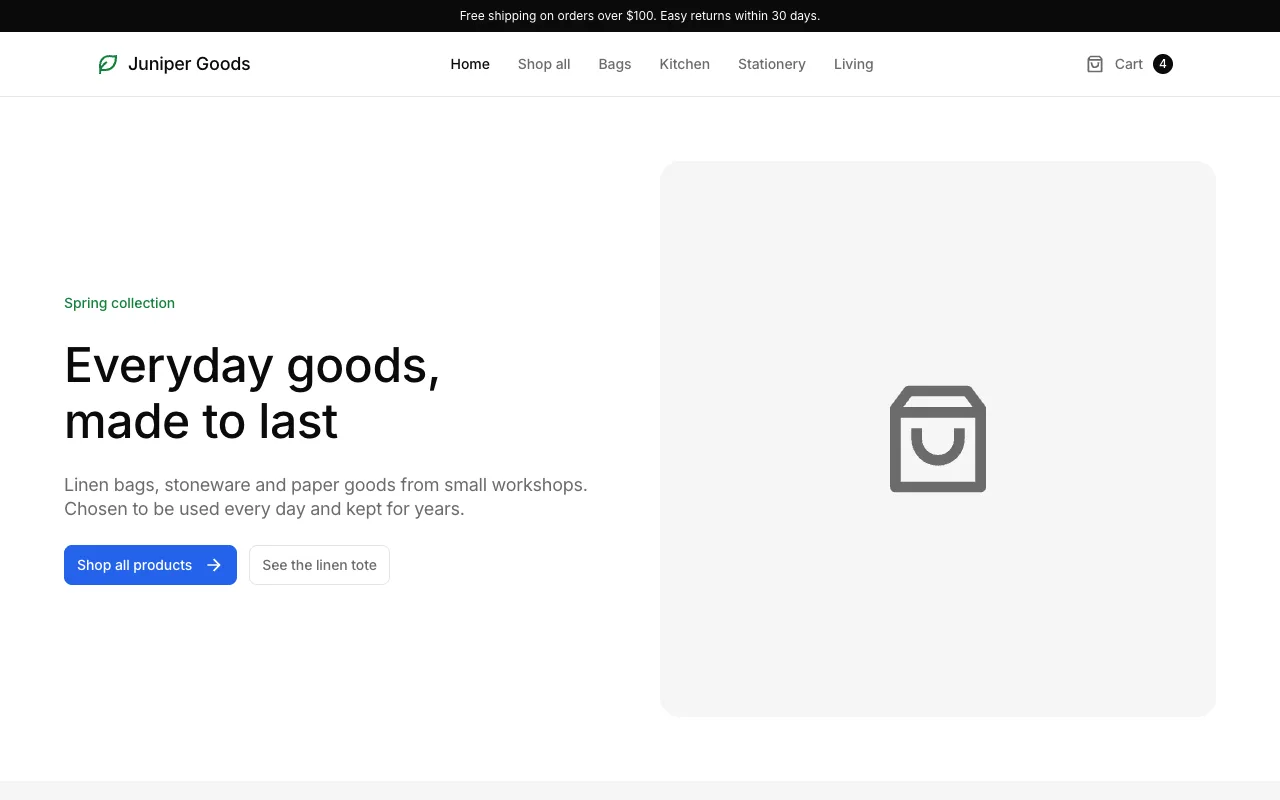
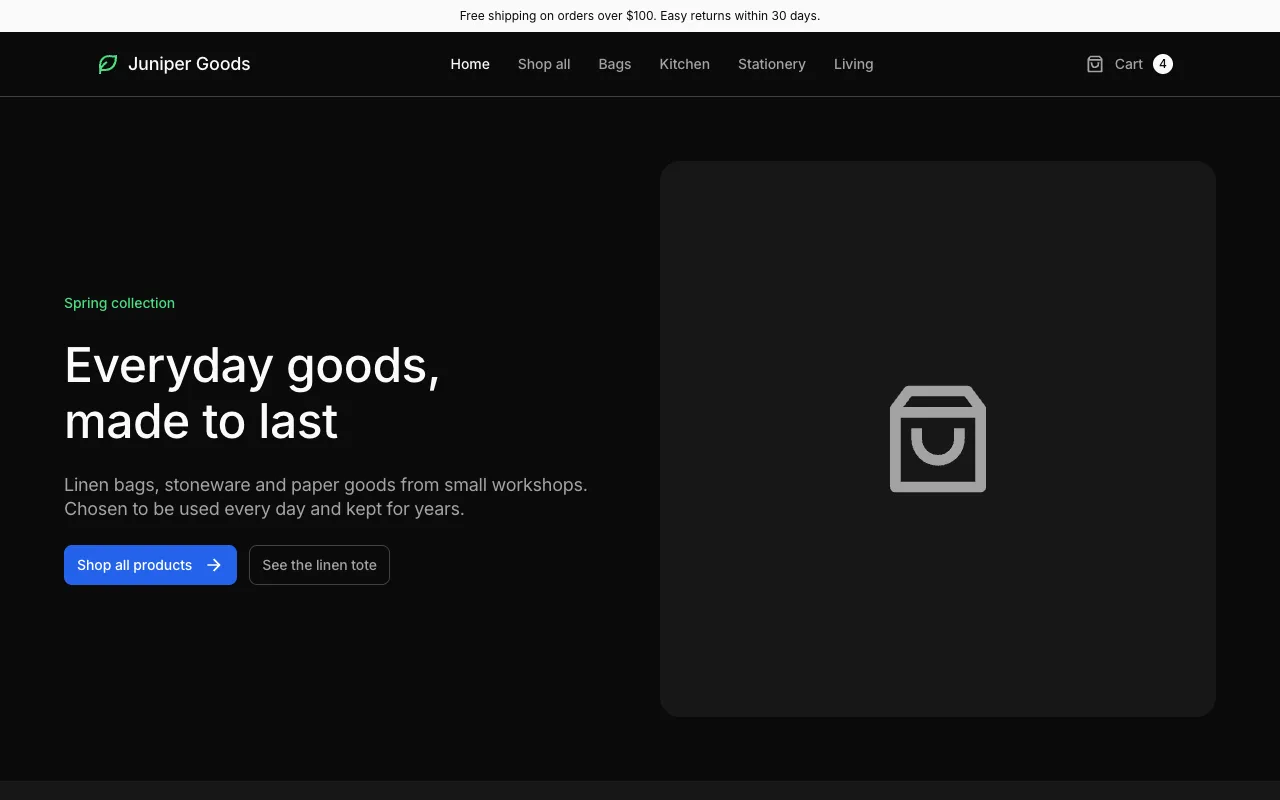
6 multi-page starters built from the same components and blocks. Preview every page, in light and dark mode.


The back office of an online shop: an overview with charts, customer and order tables, and account settings.
Source code not available to download yet.
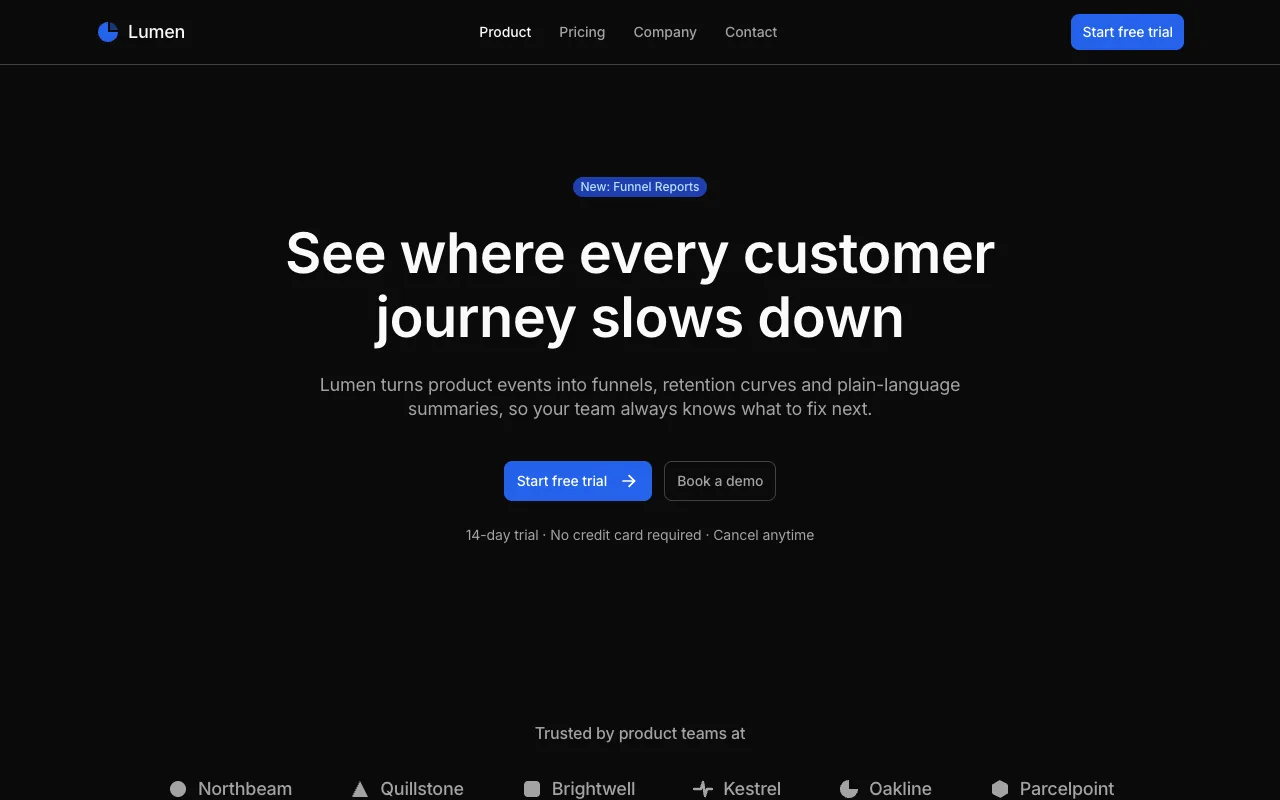


Foundations
Components, blocks and templates share the same tokens, so they look like one product.
A consistent type scale from display headings to captions.
Typography docsShared corner radii so every surface feels related.
Radius docsLight and dark themes from the same tokens. Try the preview switch in the hero.
Designed with accessible interaction patterns and keyboard support.
Typed props and variants with autocomplete in your editor.
Mobile-first layouts that adapt from phone to desktop.
Use cases
Compose components into your own product UI, with your layout and your logic.
Browse componentsUse production-ready blocks for sign-in, settings, tables and FAQs instead of rebuilding them.
Explore blocksUse a template when you need a whole multi-page foundation rather than individual sections.
Browse templatesFree & Pro
Template source code isn't available to download yet. Plan details are on the pricing page.
With CK-UI's own CLI. Run npx ck-ui-cli@latest init in your project once, then add the components you need, for example npx ck-ui-cli@latest add button. Each component is copied into your project as source code, so you can change it. The installation guide explains every step.
Free components and docs to start. Add production-ready blocks when you're ready to move faster.